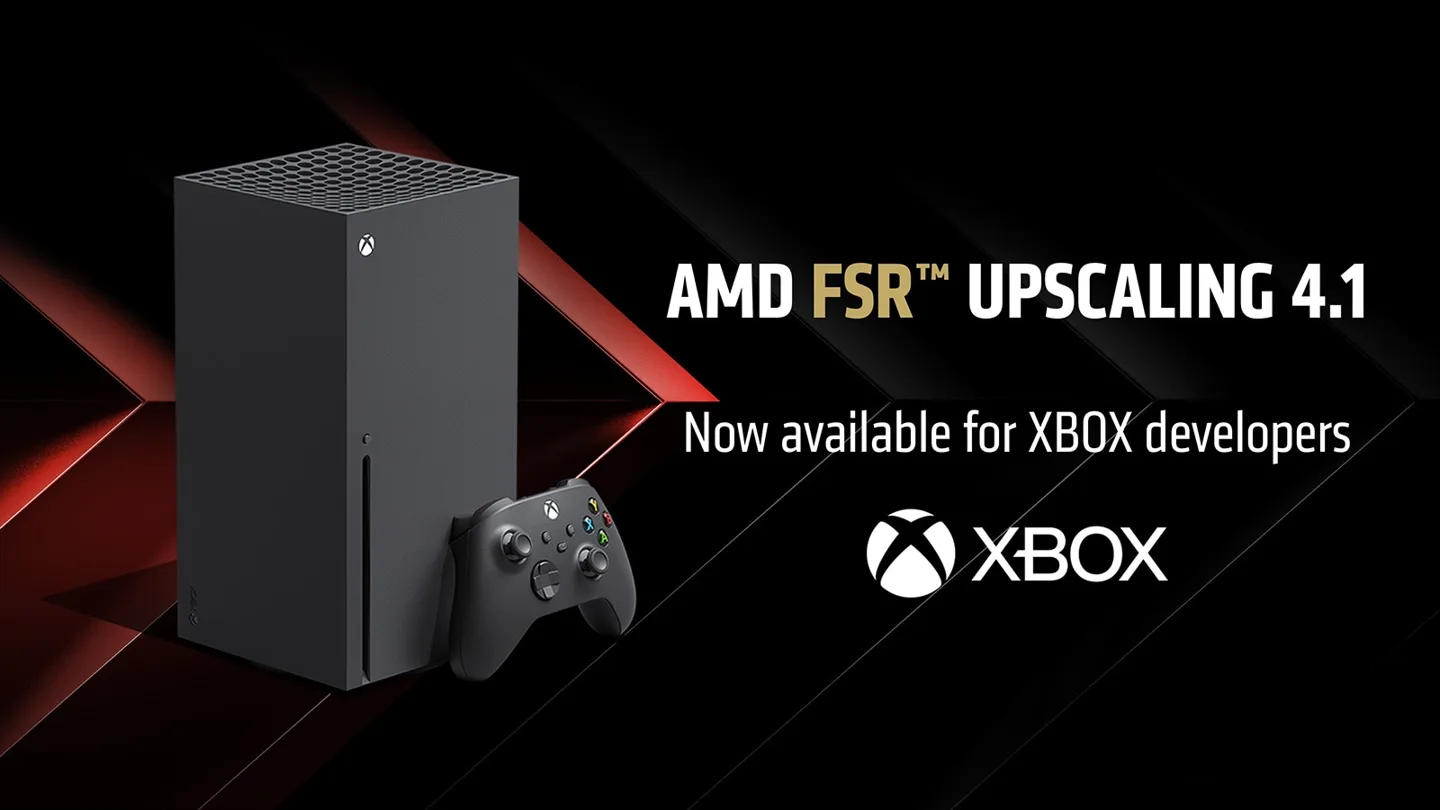
Xbox Series X and Series S are gaining a new way to improve their graphics without replacing the console: FSR 4.1. AMD’s technology uses machine learning to reconstruct higher-resolution images from smaller ones. Its arrival opens up opportunities for sharper games and better use of the hardware both machines have carried since 2020.
The version available to developers is FSR Upscaling 4.1.2. GTA 6 already uses the FSR 4 family on Series S, while adoption across the rest of the catalog depends on individual game updates.
What FSR 4.1 is and how it improves images
To display a game, a console draws a succession of images called frames. Higher resolutions require processing more pixels. FSR lets the game draw a smaller image and then reconstruct it at the output resolution. FSR 4 introduces a neural network into that reconstruction process.
Wires, fences and hair illustrate the challenge: their thin lines occupy few pixels and can lose definition or shimmer as the camera moves. The upscaler combines information from the image and previous frames to reconstruct those details more consistently. AMD describes these improvements in its FSR Upscaling documentation.
Upscaling improves each frame’s image; frame generation creates intermediate images. These are separate processes. FSR Upscaling’s arrival on Xbox concerns the former and does not imply that the consoles receive every feature sold under the FSR name.
When it arrives on Xbox and how developers implement it
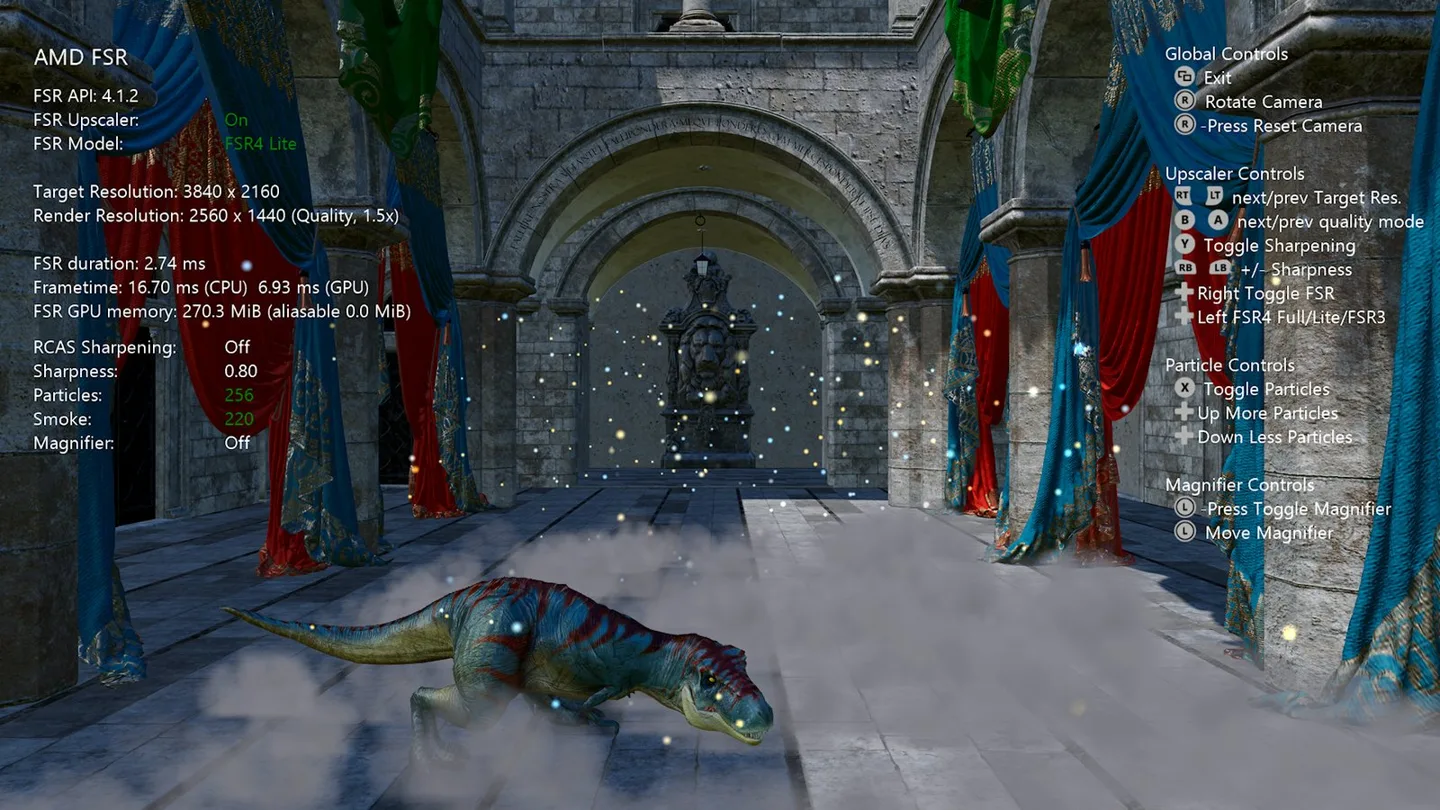
AMD announced the Xbox expansion on October 20, 2026, and Microsoft announced developer availability on November 4. According to AMD, FSR 4.1.2 is part of the October 2026 GDK, the toolkit studios use to develop Xbox games.
Each studio must integrate the upscaler into its game, tune resolution and test the results before release. Players receive that implementation through the compatible version of the title. Updating the console does not activate FSR 4.1 in every game.
Studios have two models, Full and Lite, available on both Series X and Series S. Both use INT8, a calculation format that helps adapt the network to the hardware. Lite requires less processing, offering an alternative when a game needs to reserve more resources for the rest of its graphics.
Graphics comparisons: what changes from FSR 3.1
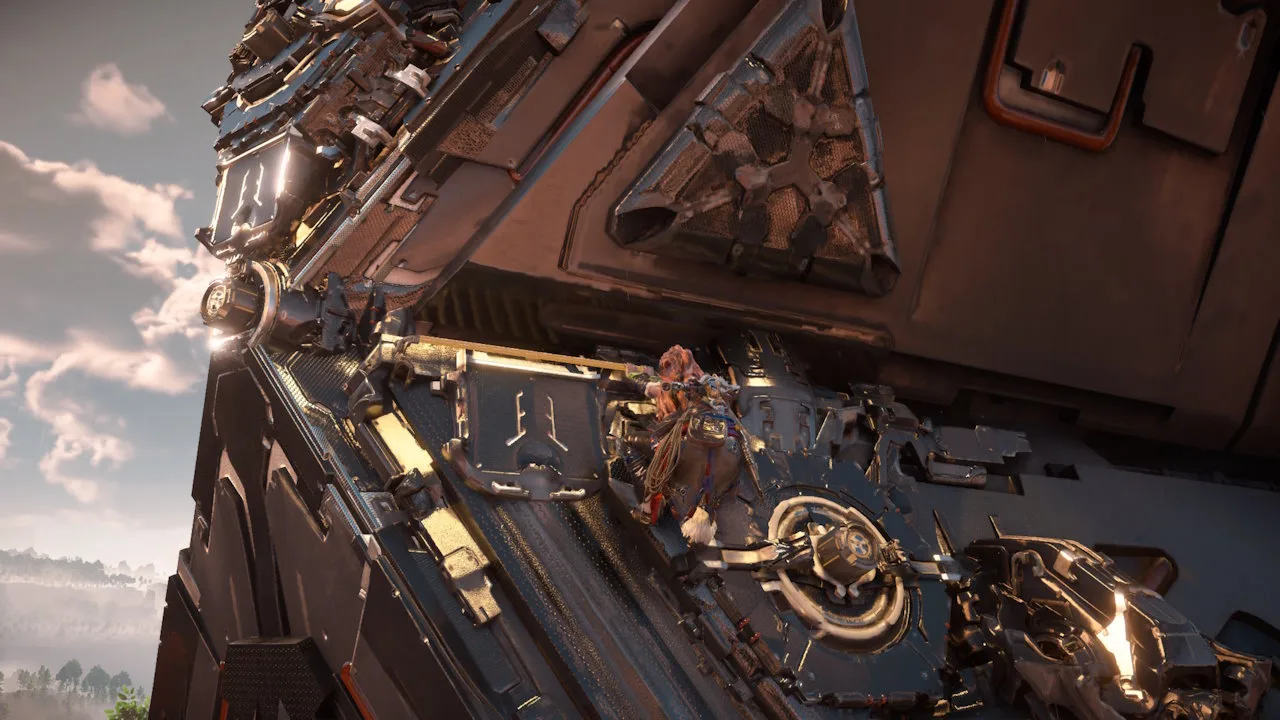
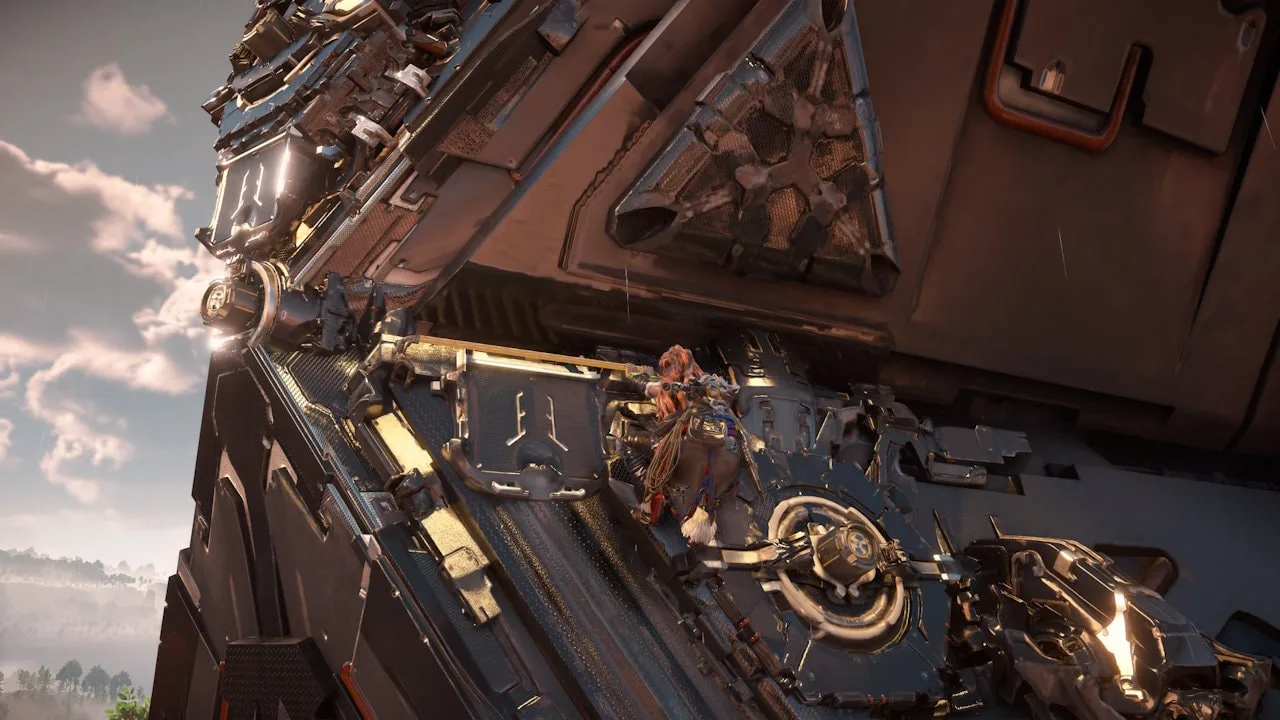
The following images show three AMD comparisons using Horizon Forbidden West Complete Edition on PC: ghosting, fine detail and particles. They illustrate the change from FSR 3.1 to machine-learning reconstruction. Xbox results depend on the model and settings used in each game. Open the images to enlarge them.
Moving objects and ghosting


Fine detail and stability
Particles

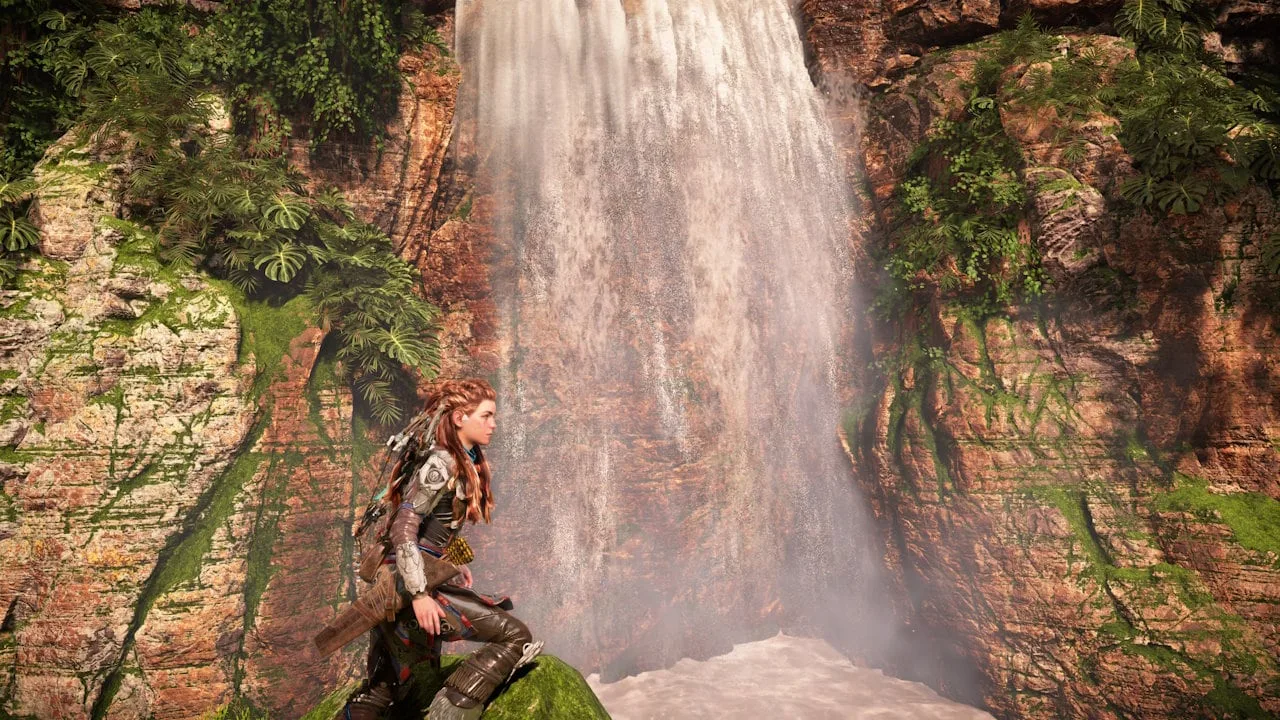
The visual improvements aim to preserve detail during movement. Screenshots allow close inspection of edges and individual objects, while video better reveals shimmering and ghosting. These PC images illustrate the upscaler’s operation; assessing Full and Lite on Xbox requires console-specific testing.
The processing cost on Series X and Series S
FSR also consumes GPU resources. Microsoft’s published measurements show how long the upscaler takes to process an image in its GDK demonstration:
| Console | Output | Lite | Full |
|---|---|---|---|
| Series X | 1440p | 1.29 ms | 1.95 ms |
| Series X | 4K | 2.75 ms | 3.86 ms |
| Series S | 1080p | 1.9 ms | 2.9 ms |
| Series S | 1440p | 3.4 ms | 5.2 ms |
To achieve 60 fps, a console must complete each frame in approximately 16.67 milliseconds; at 30 fps, it has 33.33. Lite’s 2.75 ms cost at 4K on Series X represents about 16.5% of the first budget. That percentage describes processing time, rather than an equivalent frame-rate loss: rendering fewer pixels can save enough work to offset reconstruction.
A hypothetical example illustrates the balance: if lowering resolution saved 5 ms and reconstruction cost 3 ms, the game would gain 2 ms of headroom. If the saving were only 1 ms, the same operation would be slower. These illustrative figures explain why studios must find a balance for each title.
Which games use it: the GTA 6 example
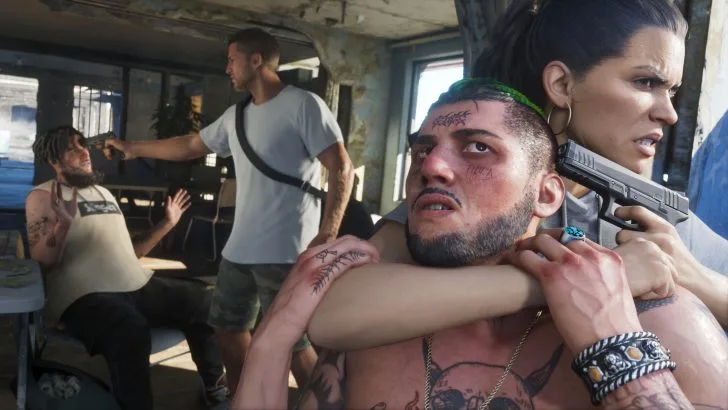
GTA 6 uses different solutions on different consoles. Rockstar explained its graphics configuration in a statement to Wccftech:
| Platform | Starting resolution | Reconstruction |
|---|---|---|
| Xbox Series S | 720p → 1080p | AMD FSR Upscaling 4 |
| Xbox Series X | 1440p → 4K | Rockstar’s own TAA |
| PS5 | 1440p → 4K | Rockstar’s own TAA |
| PS5 Pro | 1440p → 4K | PSSR2 |
On Series S, GTA 6 reconstructs a 720p image to 1080p using FSR 4, with a 30 fps target. Rockstar did not specify Full or Lite, or the exact revision number. The interface is composited at 4K, separately from the three-dimensional scene.
On Series X, the game uses Rockstar’s TAA reconstruction. The console’s FSR 4.1.2 support allows studios to use it, but the choice remains specific to each game. The same applies to the catalog: PC titles supporting FSR do not automatically gain Xbox support. Each announcement or patch must identify the platform it covers.
How FSR could extend Xbox’s useful lifespan
More effective reconstruction could help games remain visually appealing for longer. By reducing the work spent drawing pixels, studios may gain headroom to improve stability, preserve effects or produce cleaner images. Another possibility is retaining performance while improving quality over an older upscaler.
Series S may benefit particularly when a game needs a low internal resolution. Series X gains another option for reconstructing images at higher output resolutions. These are optimization opportunities: the effect depends on the game and the balance between the work saved and the upscaler’s cost.
Hardware remains the limit. FSR adds no memory and does not accelerate the processor responsible for simulation, traffic or characters. If that processor is already fully occupied, lowering resolution may not increase frame rates. The technology could extend a console’s usefulness, but it does not establish how many more years it will receive games or support.
Xbox FSR compared with QSSR and PSSR
FSR expands the graphics options available on both Xbox consoles in this generation. Sharing tools with PC also helps studios work with the same technology family across several platforms. For owners, the main attraction is receiving improvements through software without replacing their equipment.
Console comparisons come down to games. A more stable image, less ghosting or more consistent performance can make a visible difference, but results vary with the engine, internal resolution and settings. Measuring those differences requires the same scene and graphics mode on equivalent game versions.
On PlayStation, the alternatives are QSSR on PS5 and PSSR on PS5 Pro. Sony has announced QSSR updates and games. In GTA 6, Series X and PS5 use Rockstar’s TAA, Series S uses FSR 4, and PS5 Pro uses PSSR2. That variety reflects studios choosing a solution to fit the performance and presentation of each version.
Frequently asked questions about FSR 4.1 on Xbox
Do I need to pay or buy an accessory?
FSR runs on existing Series X and Series S hardware without additional accessories. Taking advantage of it requires a game version that includes a compatible implementation.
Will older games improve automatically?
Games need their own implementation. A title using FSR 2 or FSR 3 retains that upscaler unless an update changes it.
Does FSR 4.1 make GTA 6 a 60 fps game?
Rockstar has set a 30 fps target. FSR 4 on Series S does not imply a 60 fps mode.
Do I need to replace my television?
Upscaling happens inside the game and does not require replacing the television. The resolution selected on the console determines its video output, but does not activate FSR or force the game to draw all its graphics at that resolution.
How can I check whether a game uses it?
Patch notes and the studio’s technical explanations are the references for checking support. Quality and Performance identify graphics modes, but do not by themselves identify the upscaler used in each.