You can install free mods for The Witcher 3: Wild Hunt — Remastered on PS5 and PS5 Pro from the game’s Mods menu. Sign in with a CD PROJEKT RED account, connect it to mod.io, subscribe to a compatible mod, then restart the game. That menu is unavailable on PS4, including when you run the PS4 edition on a PS5.
Browse The Witcher 3 mods filtered for PS5. Use your phone or computer to read mod descriptions. Your PS5 downloads and installs the mods through the game.
Version and requirements · Installation steps · Direct mod links · Saves and trophies · Troubleshooting
Which PlayStation version of The Witcher 3 supports mods?

The Mods menu arrived with the Remastered 5.00 update on September 29, 2026. If you already have the PS5 app, highlight it on the home screen, press Options → Check for Update and install the latest update. If your library shows both editions, open the game hub’s three-dot menu and select the PS5 version. See PlayStation’s instructions for checking for updates.
If you own an eligible digital PS4 copy, look up the game in PlayStation Store on your PS5 and claim the PS5 version from its game hub. With an eligible PS4 disc, use a PS5 with a disc drive. The disc and your PlayStation account must match by region, and the disc needs to stay inserted when you play. See PlayStation’s guide to upgrading a PS4 game.
You need internet access and a CD PROJEKT RED account linked to mod.io. The PS5 installation flow runs inside the game and requires no PC folders, ZIP files, or Nexus Mods installers.
How to download and install Witcher 3 mods on PS5
- Make a manual save before enabling your first mod. Use a separate slot so you can return to it if you want to keep earning trophies.
- Open Mods from the Remastered main menu. If a save is already loaded, return to the main menu.
- Sign in with your CD PROJEKT RED account. Follow the on-screen process to link it to mod.io and accept the terms if you agree to them.
- Search for the mod by name. Open its page to check what it changes, whether it needs any other mods, and how to use it.
- Select Subscribe. Let the download finish, then close the game completely from the PS5 menu and reopen it.
- Go to Mods → Installed. Confirm that the mod appears and its checkbox is ticked. An unticked mod is installed but inactive.
- Load a save to test it. Follow any instructions on the mod page. A mod that adds gear to a shop will show up in that merchant’s inventory.
If you switched accounts or need to unlink one, see the account section of the official PlayStation mod support guide.
Where to download Witcher 3 mods for PS5
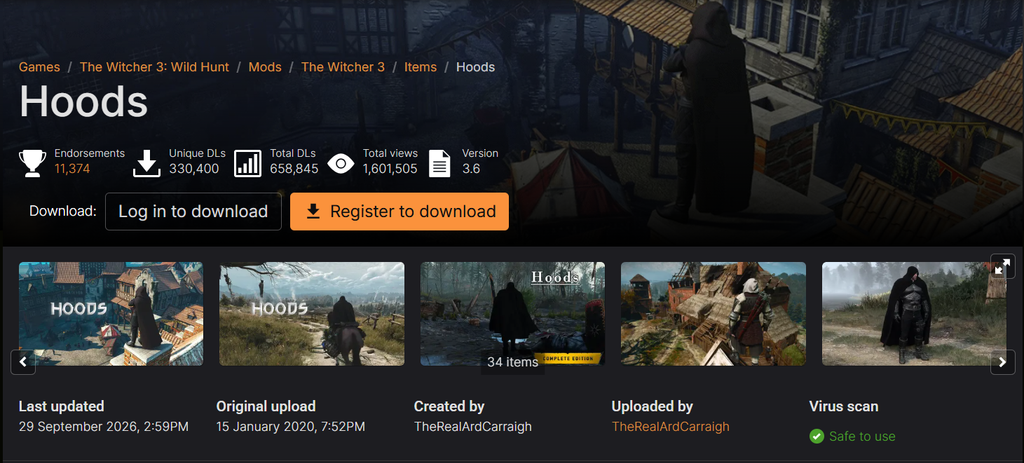
These four mods appeared in the PS5-filtered mod.io catalog when this guide was checked. Each link opens the mod’s listing. To install one, search for its exact name in the in-game Mods menu.
Hoods
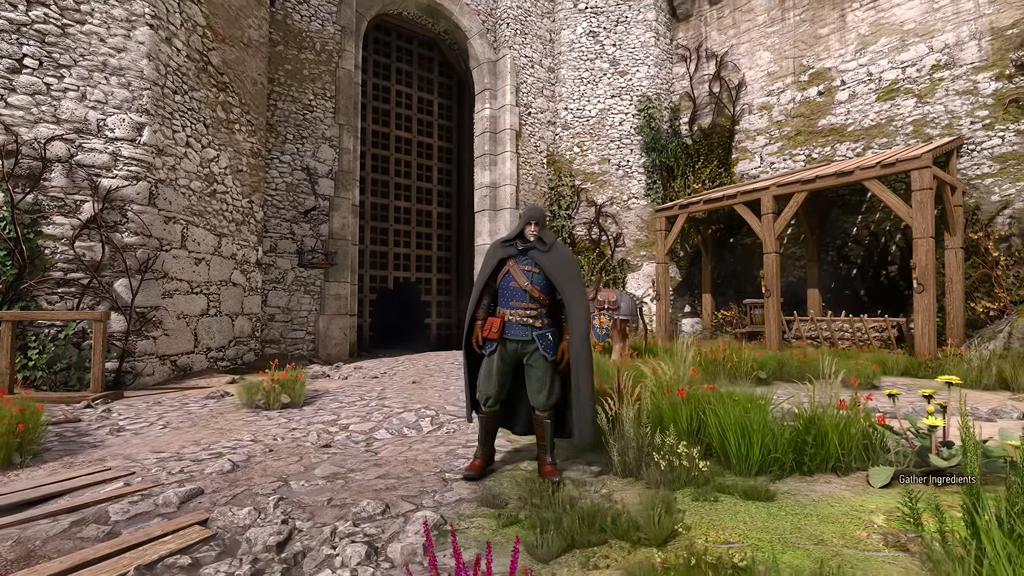
Adds hoods, capes, hats, scarves, and masks. For an early test, visit Bram at Woesong Bridge in White Orchard. You can also check the quartermaster at Crow’s Perch or merchants in Novigrad. Buy a hood and equip it in the mask slot. If the shop stock looks unchanged, check Installed and restart the game.
More Money For Traders

The listing says merchants get 5,000 crowns and refill their funds. It helps when you want to sell a pile of swords and armor in one trip. To check it, open a merchant’s trade screen and look at their balance.
PERFECT No Fall Damage

According to its listing, this mod removes fall damage. Try it on a separate save if you want to explore rooftops and steep slopes with fewer interruptions.
Auto Win Gwent

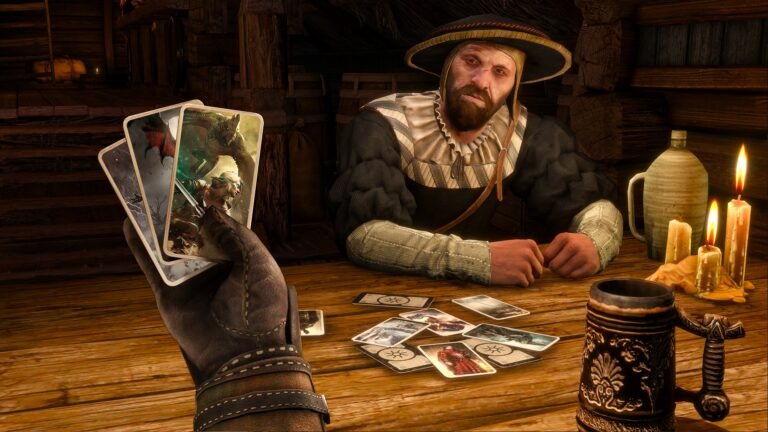
This mod lets you win Gwent matches automatically. If you’d like to play each match while completing your deck, see which Gwent cards you can miss and how to collect them.
What happens to saves, trophies, and offline play?
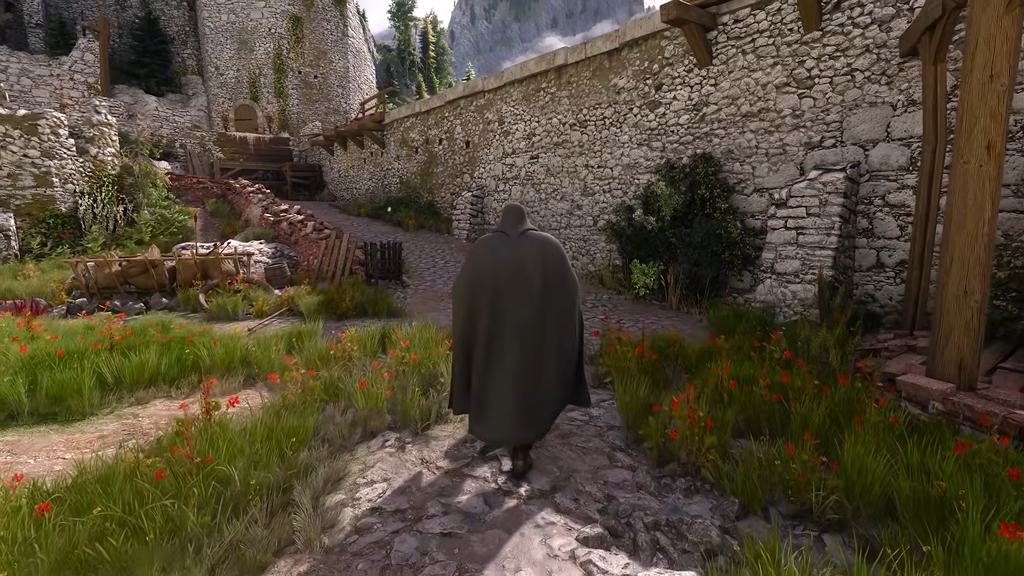
- Trophies: modded console saves cannot earn trophies. A mod.io cog marks those saves in the list. Keep a manual save from before you installed any mods for your trophy run.
- Existing saves: compatible saves from before Remastered still load. Remastered resets your skills because the skill system changed.
- Offline play: you can load a modded save offline if all the mods it needs are already installed. Downloading a new or missing mod requires internet access.
- Cross-progression: enable the same set of mods on both platforms. A PC save can fail to load correctly on PS5 if it relies on a mod the console cannot install.
To resume earning trophies, turn off the mods, restart the game, and load the clean save you kept. Disabling a mod alone does not turn an already marked save into a clean one. Read CD PROJEKT RED’s rules for modded saves and trophies.
What to do when the Mods menu or a mod is missing
- No Mods menu: confirm you launched the updated PS5 edition. Launching the PS4 edition on a PS5 still gives you the PS4 game.
- A mod shows up on the website but not on PS5: filter mod.io by PlayStation 5, check the Available on Consoles tag, and search the name in the game. The in-game catalog determines what your console can install.
- I subscribed and nothing changed: check the linked account, make sure the download finished, and tick the mod in Installed. Restart the game. Some mods require a new game or only add items to a specific merchant.
- The game crashes or a save won’t load: untick the last mod you added in Installed and restart. If your save depends on that mod, reinstall it or load the older clean save. Re-enable mods one at a time if you need to identify a conflict.
- To remove a mod: untick it to disable it. To take it off your subscriptions, open its listing and unsubscribe. Restart the game before checking the result.
Also playing on Nintendo’s console? See how to install The Witcher 3 mods on Switch 2.